-
-
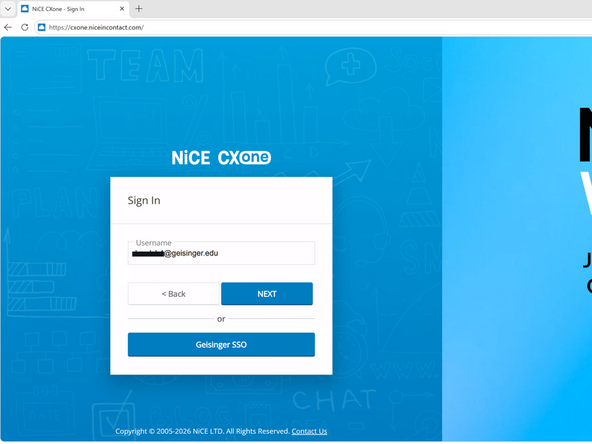
While logged into your Geisinger Virtual Desktop:
-
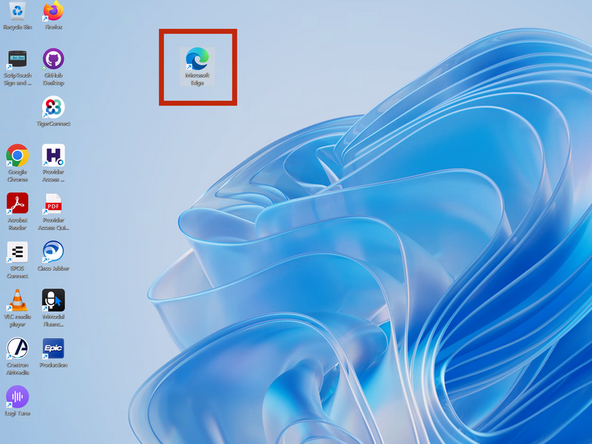
Open Microsoft Edge
-
-
-
-
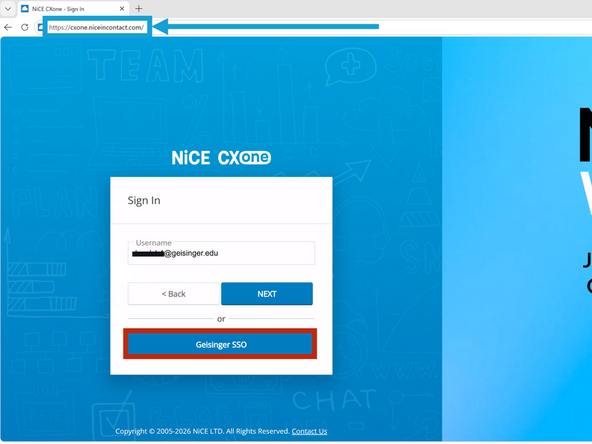
Click Geisinger SSO
-
-
-
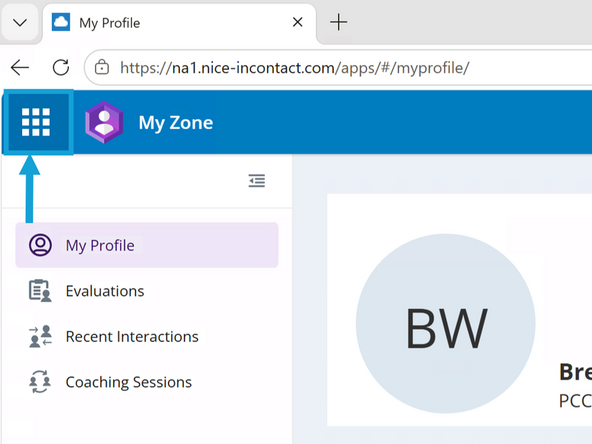
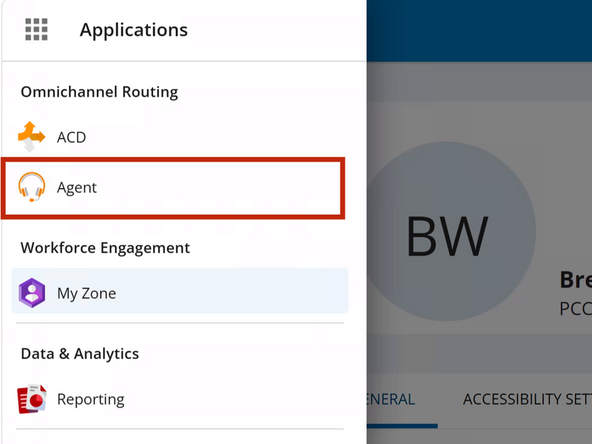
Click the Menu Dial pad
-
Click Agent
-
-
-
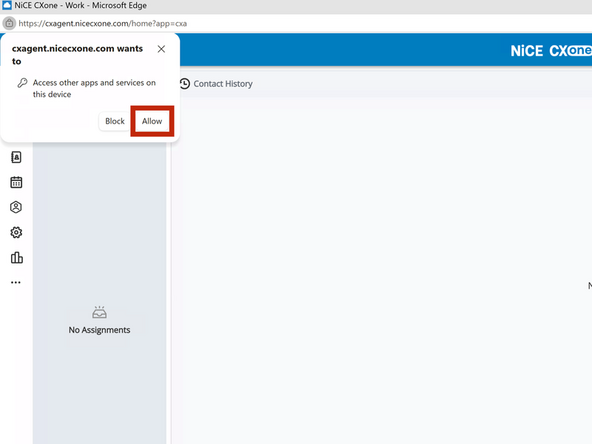
The first time CXone opens you will be prompted to give permission to use your microphone.
-
Click Allow
-
-
-
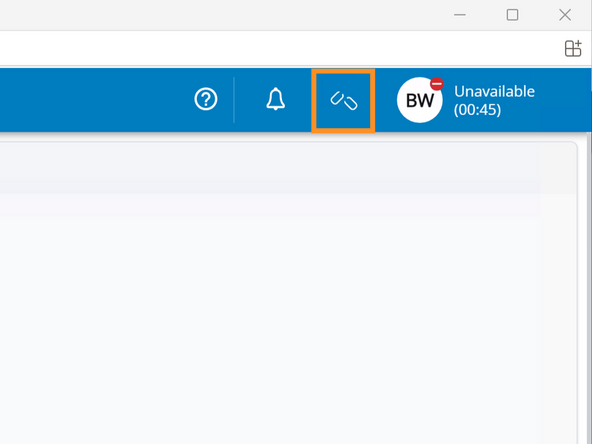
You must connect to the "Agent Leg" before setting your status.
-
To connect to the Agent Leg:
-
Click the open Chain Links
-
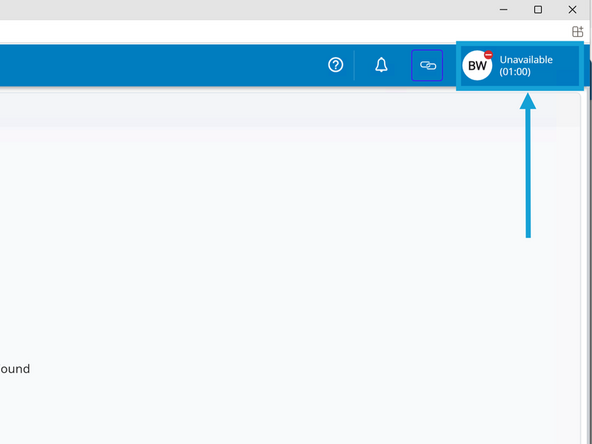
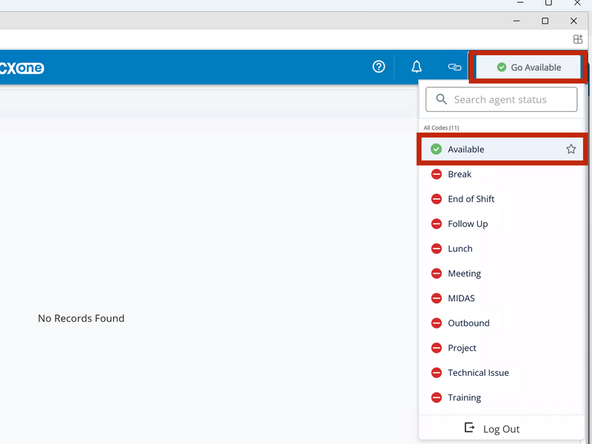
To change your Status:
-
Click Unavailable
-
Click Available or Go Available
-
Almost done!
Finish Line
