
Introduction
After completing an Out of Network ER Notification, you may need to identify the Case Manager.
-
-
While in your Sharp VDI:
-
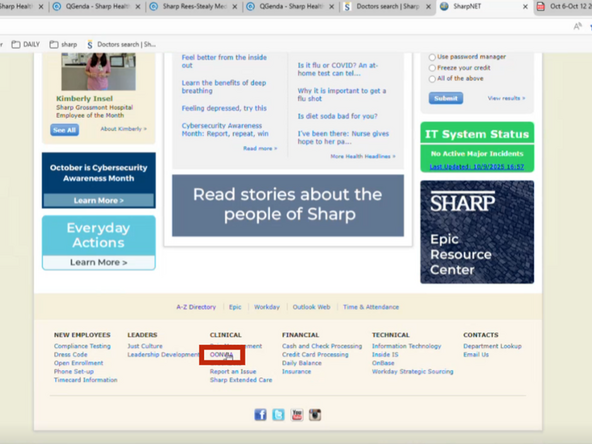
Go to sharpnet.sharp.com
-
Scroll down
-
-
-
From the bottom of the page:
-
Select OONWA
-
-
-
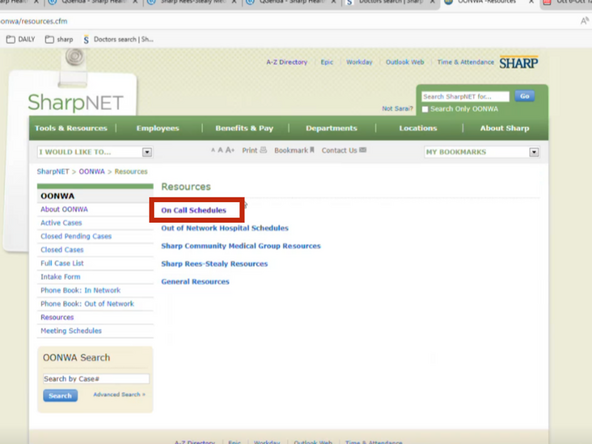
Select Resources
-
-
-
Select On Call Schedules
-
-
-
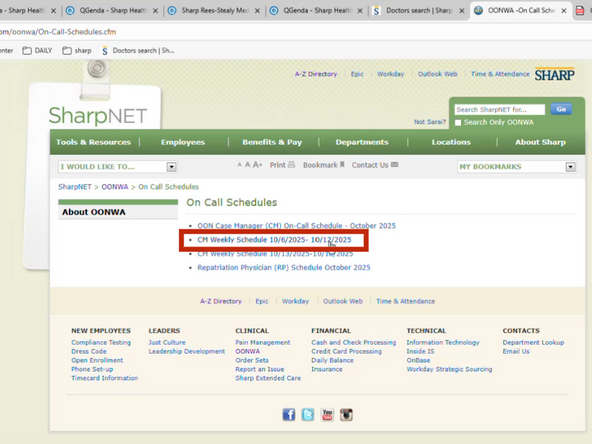
Choose the CM (Case Manager) On Call Schedule
-
Example Schedule.
-


Almost done!
Finish Line
