-
-
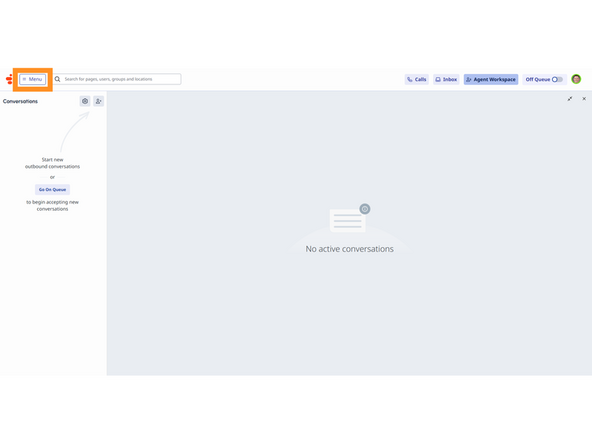
Click Menu
-
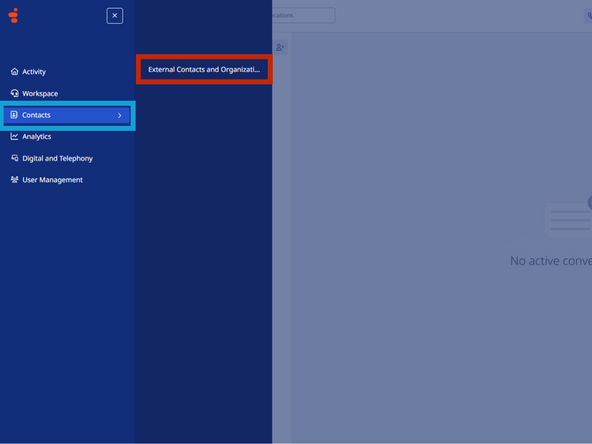
Click Contacts
-
Select External Contacts and Organizations
-
-
-
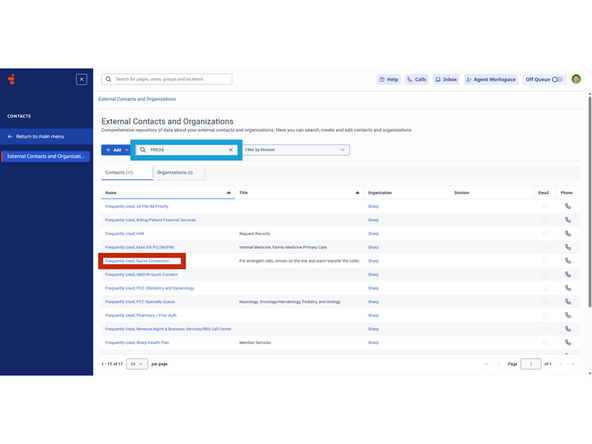
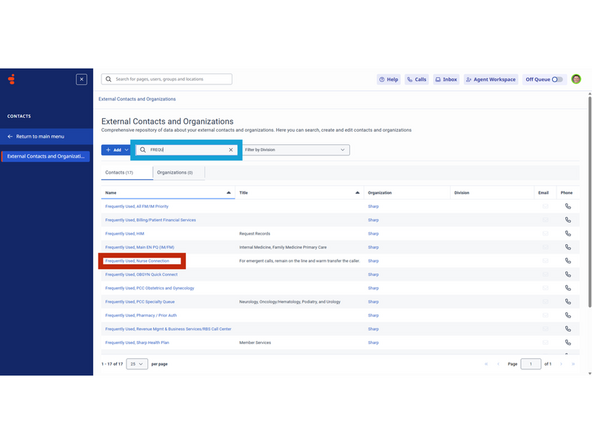
To search more effectively, include the name of the organization and a few characters from the specific line you are looking for.
-
Enter the Organization and description in the search field
-
Click on a Contact to review the information
-
EXAMPLE: Frequently
-
Calls initiated from this screen will not be from a specific queue. It is best practice to make a note of the number and make the outbound call from Agent Workspace.
-
Almost done!
Finish Line
