-
-
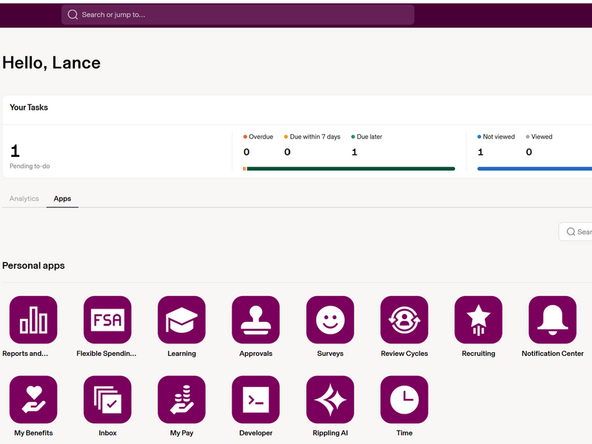
While logged into Rippling:
-
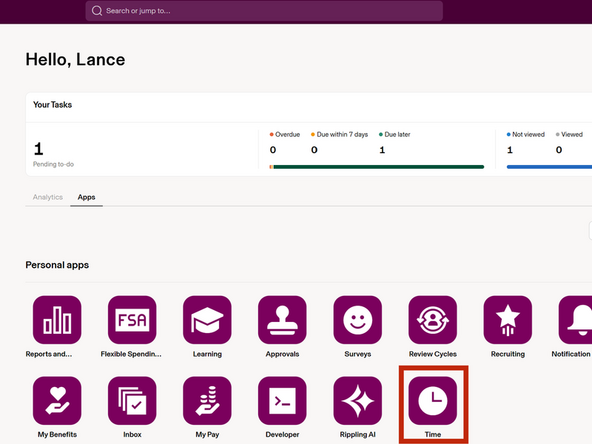
Click Time
-
-
-
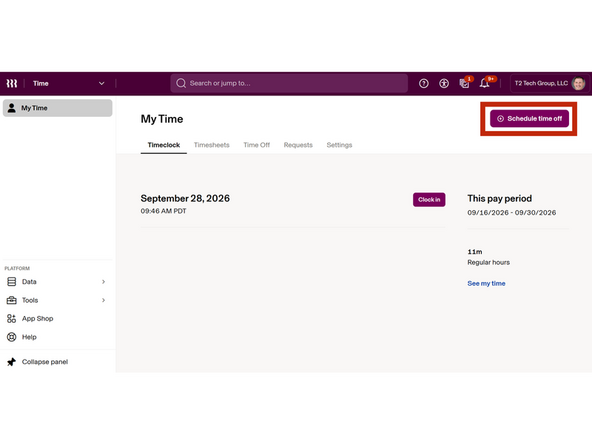
Click Schedule time off
-
-
-
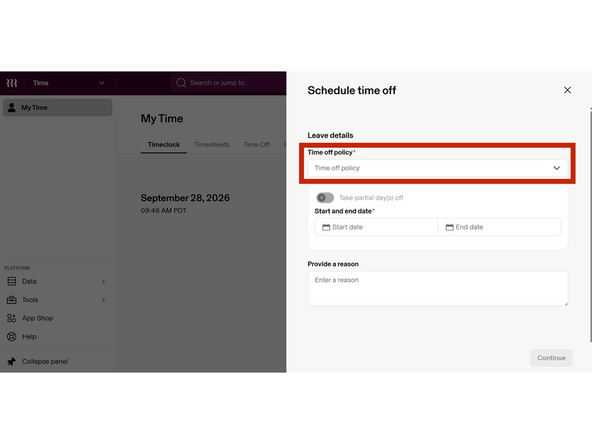
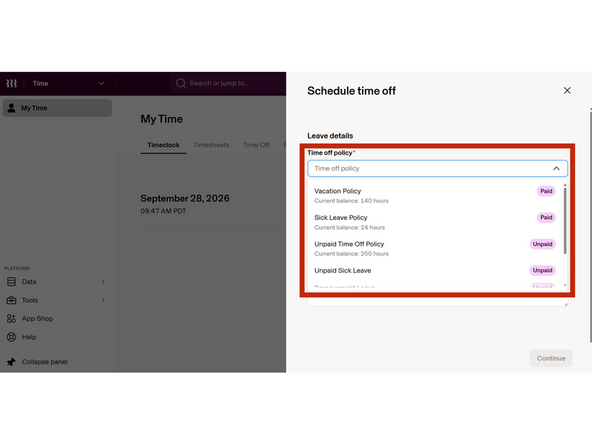
Select the Time off policy
-
If you are a new hire and have a probationary period, or if you have an insufficient balance, you will not be able to request leave.
-
-
-
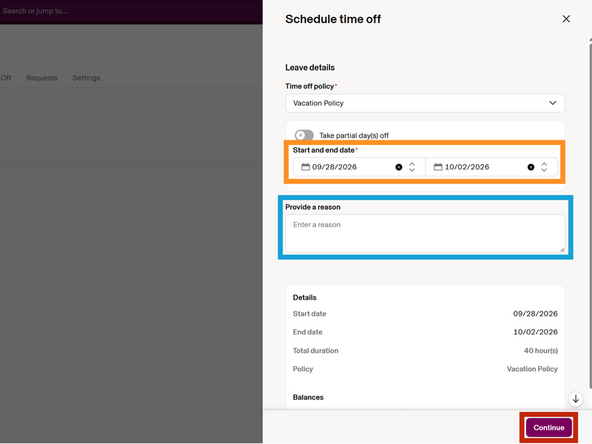
Select the Start and End Date
-
Enter a Description of the request
-
Click Save
-
-
-
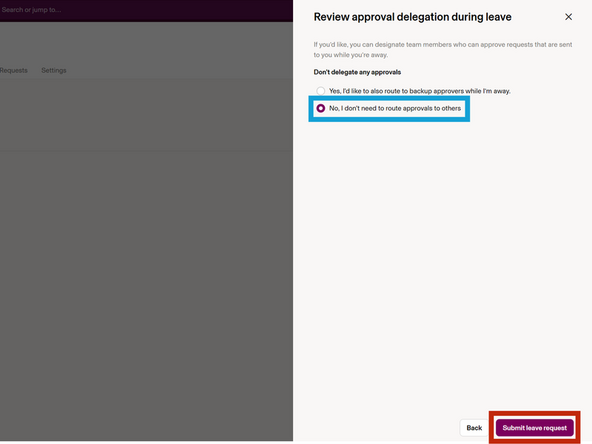
Select No, I don't need to route approvals to others
-
Click Submit leave request
-
-
-
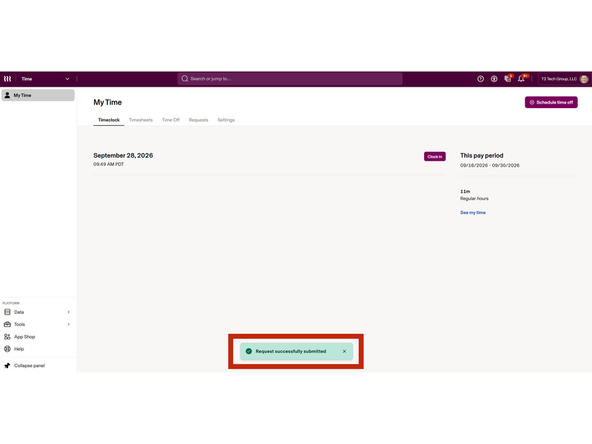
Your screen will return to My Time.
-
Request successfully submitted will appear
-
Almost done!
Finish Line
