Introduction
In the event of a technical issue with Genesys, you must submit a log to your administrator.
-
-
To submit a log to your administrator:
-
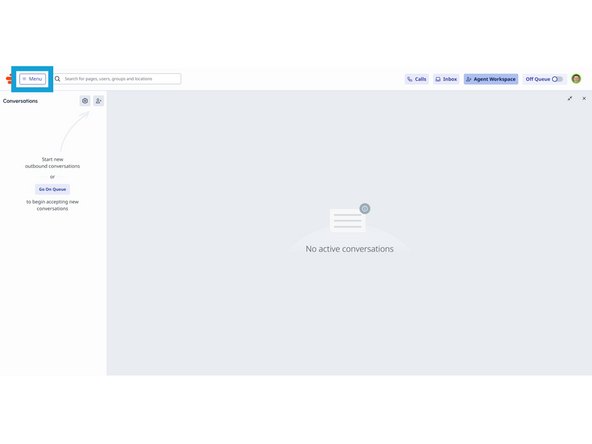
Click Menu
-
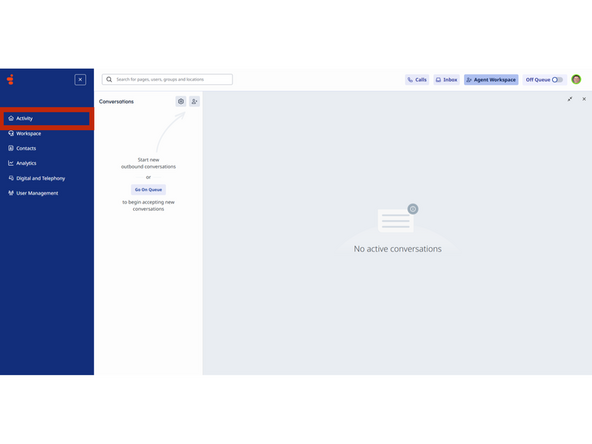
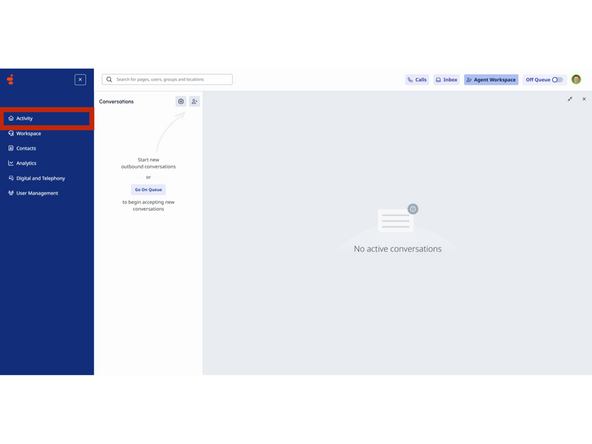
Click Activity
-
-
-
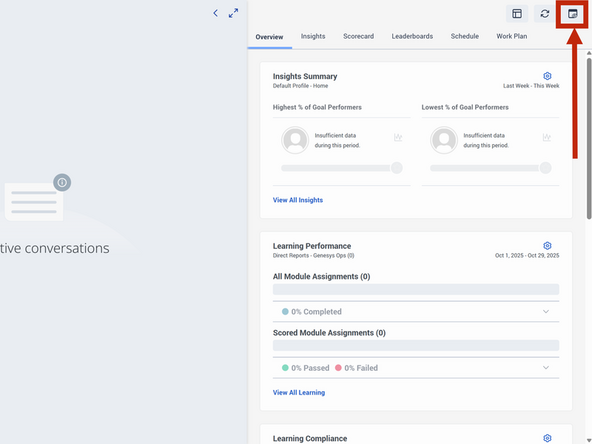
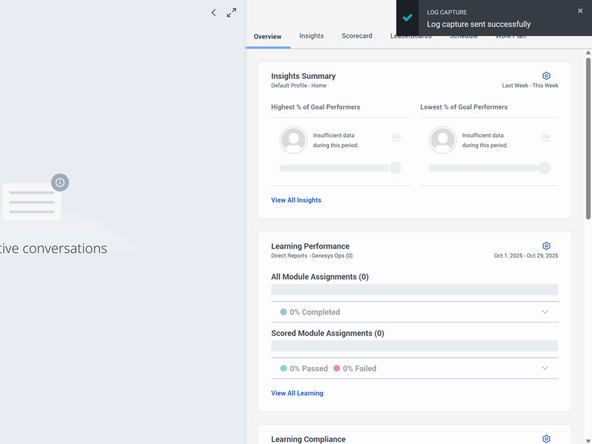
Click Log Capture
-
A confirmation message will appear to confirm the log was sent successfully.
-
-
-
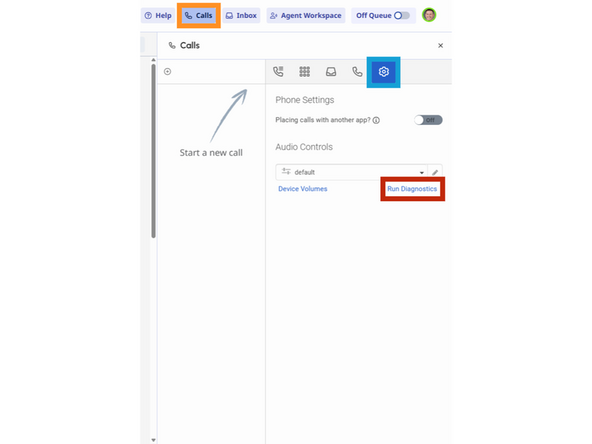
Select Calls
-
Click Phone Settings
-
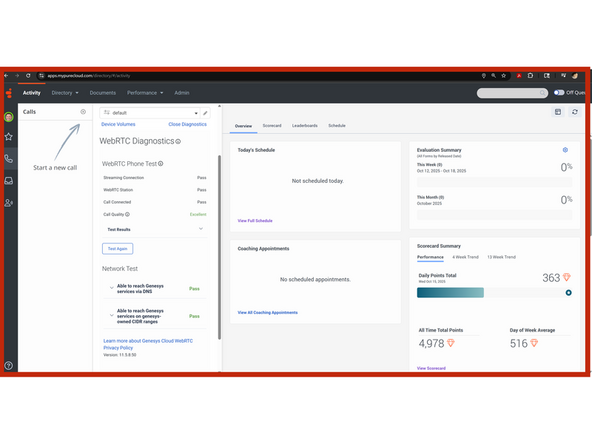
Click Run Diagnostic
-
-
-
Press the Windows key + Shift + S on your keyboard
-
Select Your whole screen
-
-
-
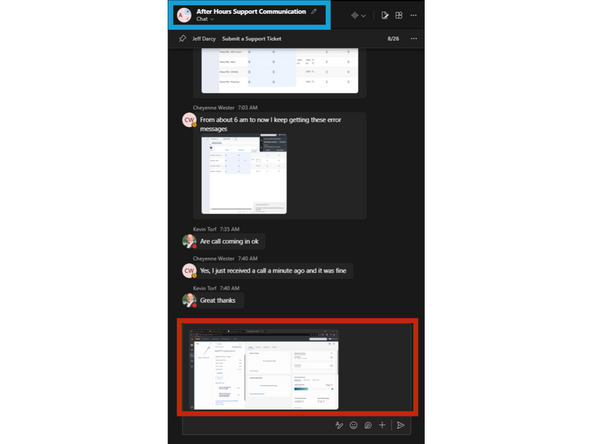
Go to Microsoft Teams.
-
Select the After Hours Support Communication
-
To paste the screenshot:
-
Click the message field and Press Ctrl + V on your keyboard then Enter
-
Almost done!
Finish Line
