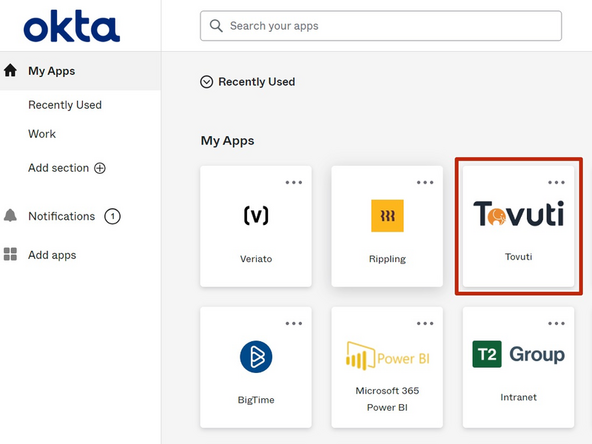
-
-
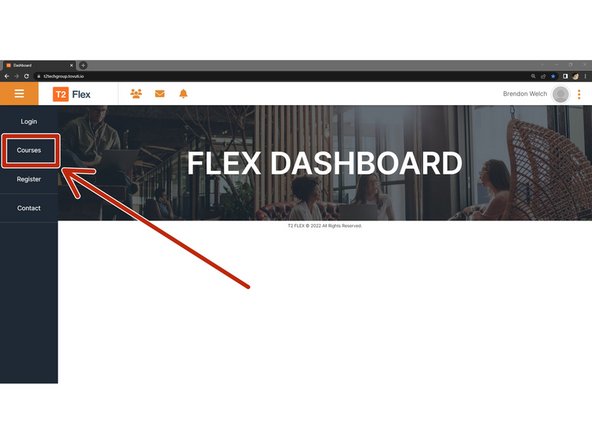
Click Courses
-
-
-
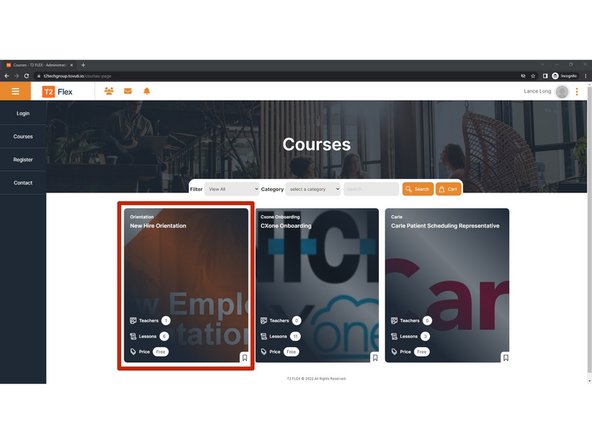
Courses that have been assigned to you will appear in your courses page.
-
Click The Course
-
-
-
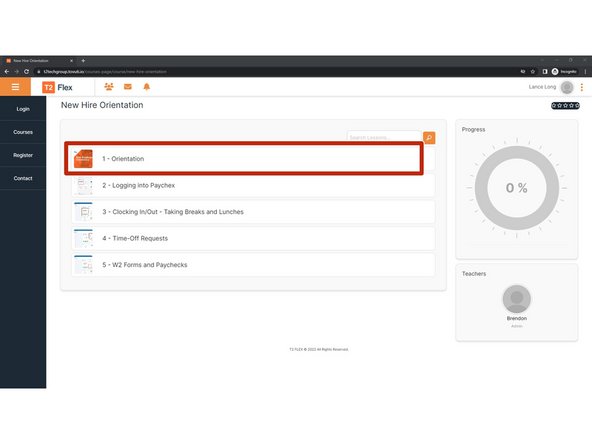
The individual lessons of the course will be itemized.
-
Click The Lesson
-
Depending on the speed of your Internet connection, it may take a minute or two for the presentation to load.
-
-
-
Depending on the speed of your Internet connection, it may take a moment to load.
-
DO NOT SKIP OR ATTEMPT TO RUSH THROUGH THE SLIDES.
-
If you do not listen to EVERY slide and do not complete the survey at the end of the presentation, progress will not be saved and you will have to start over.
-
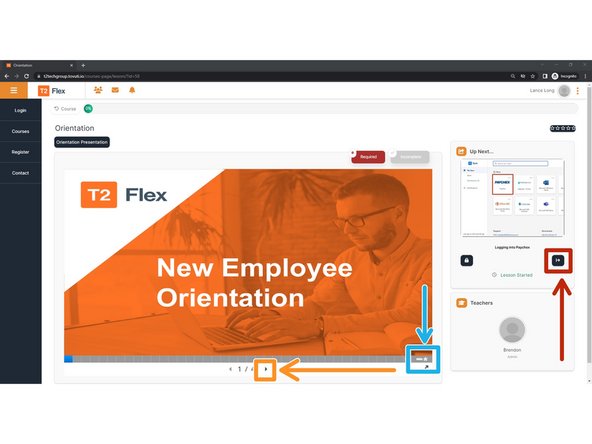
To go to the next slide:
-
Click the right facing Arrow
-
Complete the Presentation Survey
-
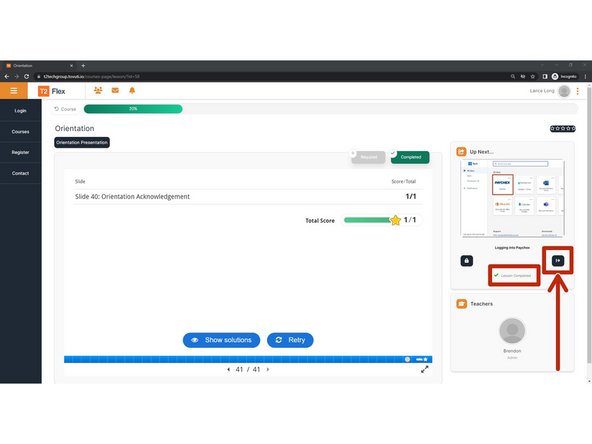
Once the lesson appears Completed:
-
Go to the Next Lesson
-
Almost done!
Finish Line
