Introduction
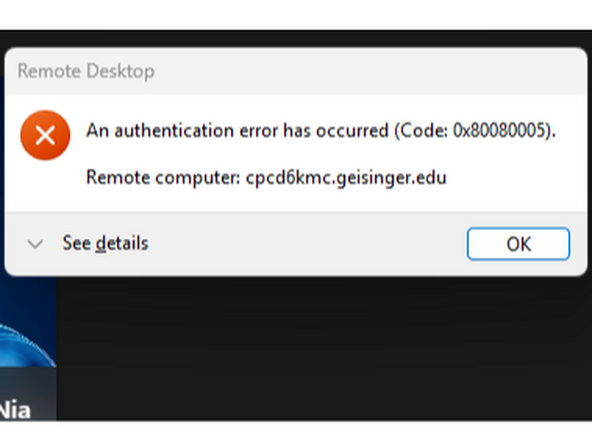
Windows App experiences an authentication error as a result of Windows Update KB:5074109. This guide will outline how to uninstall the update in order to fix the authentication error.
-
-
Using your Keyboard:
-
Hold the ⊞ Windows key and R
-
The Run prompt will appear.
-
Type cmd
-
The Command Prompt must be launched as the Administrator.
-
To launch the Command Prompt as the Administrator:
-
Hold Ctrl + Shift and press Enter
-
-
-
Using your keyboard:
-
Type wusa /uninstall /kb:5074109
-
Press Enter
-
-
-
When prompted to uninstall the Windows Update:
-
Click Yes
-
-
-
Once the update is uninstalled, a restart is required.
-
Click Restart Now
-
It may take 5+ minutes to complete the reboot. Once your system comes back on, you can login to Geisinger from the Windows App normally.
-


Almost done!
Finish Line
