
-
-
While viewing a patient's chart:
-
Click the Call Hub tab
-
Select On Call
-
-
-
Depending on who the caller is:
-
Click Provider
-
Click Outside Provider
-
Click Nurse Connection
-
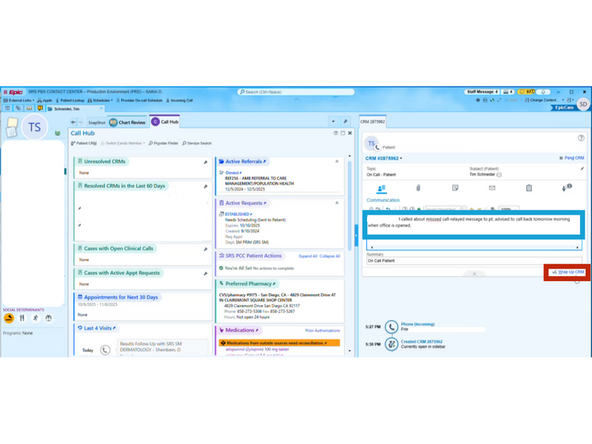
In this example, Patient is selected.
-
Click Patient
-
-
-
Enter a summary of the interaction
-
Click Wrap Up CRM
-
-
-
Resolve the CRM
-
Click Resolve
-
To close the CRM:
-
Click Close Hub
-




Almost done!
Finish Line
