-
-
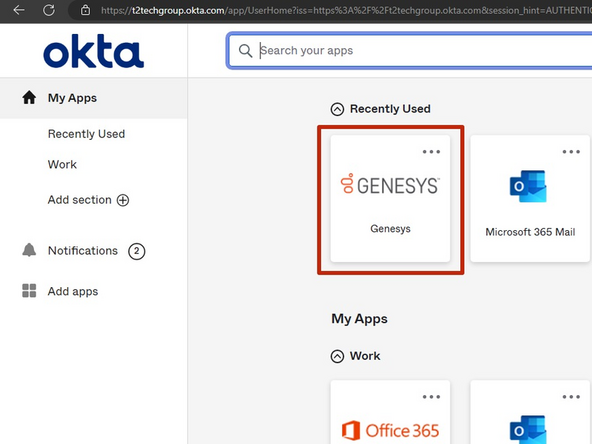
While viewing your T2 Dashboard:
-
Click Genesys
-
-
-
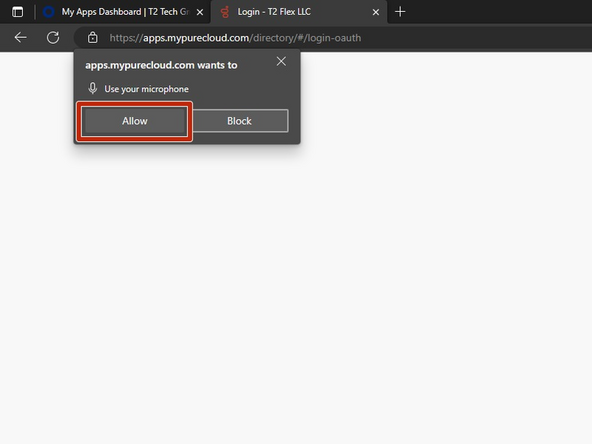
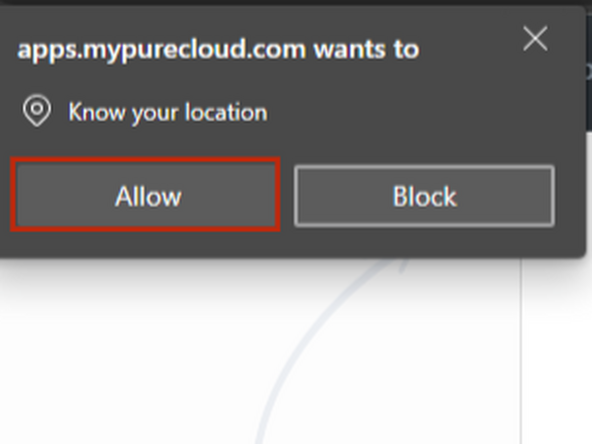
The first time Genesys loads, you will be prompted to provide permission to your Microphone and Location.
-
Select Allow
-
-
-
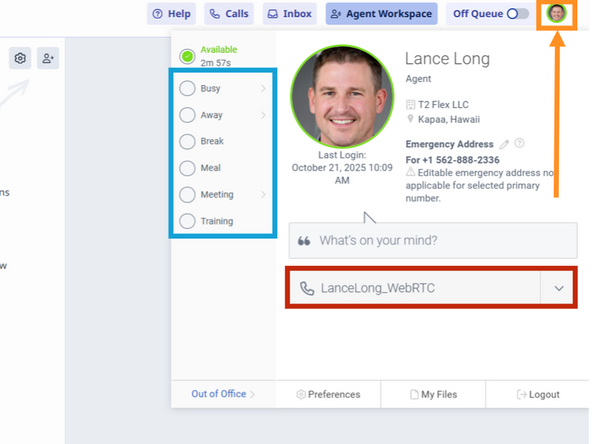
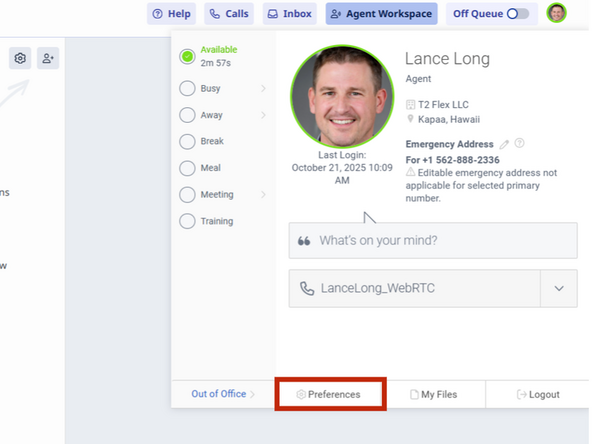
To change your Status and review your softphone status:
-
Click your Profile Icon
-
Status
-
Assigned Softphone
-
-
-
-
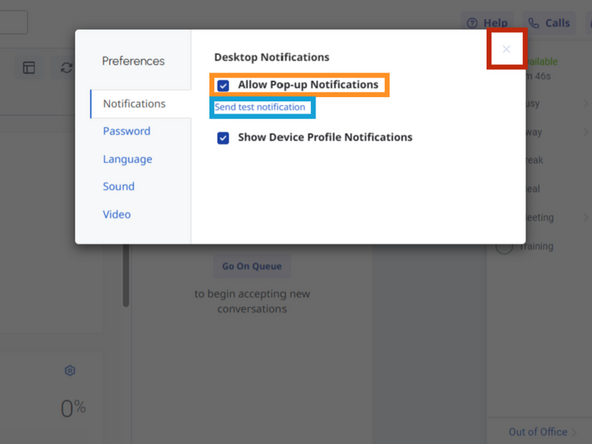
To enable push notifications in your browser:
-
Select Preferences
-
Select Allow Pop-up Notifications
-
To send a test notification:
-
Click Send test notification
-
Click X to close the window
-
-
Almost done!
Finish Line
